Deliver Real-time Data to Downstream Platforms

Trigger downstream actions instantly with enriched, low-latency behavioral data—delivered in real time from your Snowplow pipeline to any system.
eventforwarding
Low latency

Low-Latency Delivery

Stream events in real time to internal systems or external platforms, empowering teams to take action as customer behaviors unfold.

Enterprise grade

Self-Service UI

Create and manage data forwarding workflows directly in your Snowplow Console. Define which events to transform and send, all in a few clicks.

End to end

End-to-End Data Integrity

Forward only validated, enriched events - no raw or partial data - preserving data quality and trust across real-time workflows within your technology stack.

Power Real-Time Operations

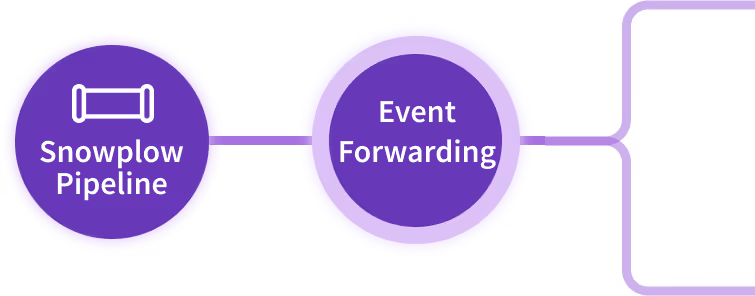
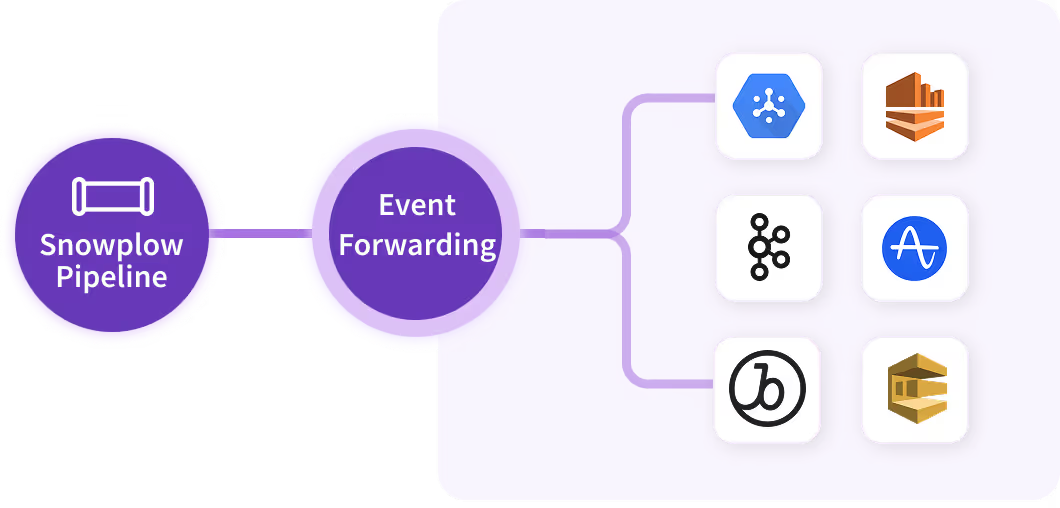
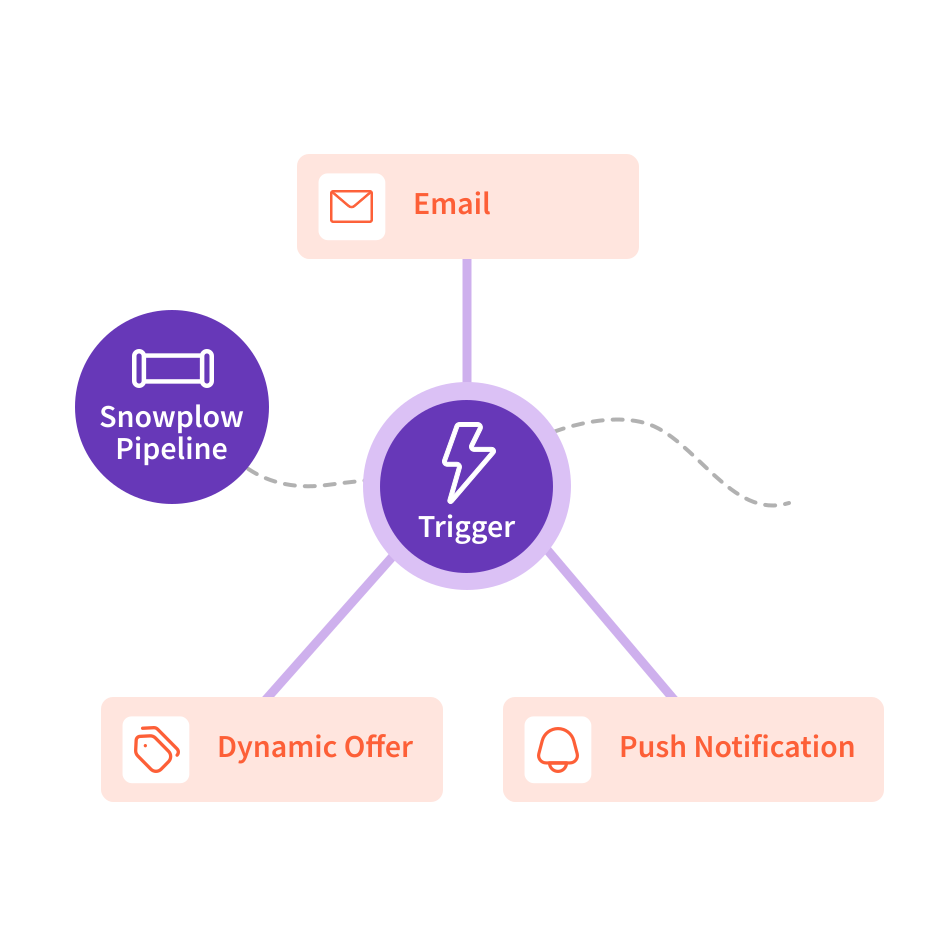
Event Forwarding allows teams to act on behavioral data the moment it’s generated, whether for real-time analytics, marketing campaign triggers, or internal stream processing. Events are enriched upstream and delivered to SaaS applications and stream destinations via pre-built API integrations.

tick

Power user journeys and marketing personalization in real time

tick

Detect risky behaviors or fraudulent activity to trigger alerts

tick

Enable event-driven microservices with low latency
Event Forwarding

Seamless Integration with your Stack

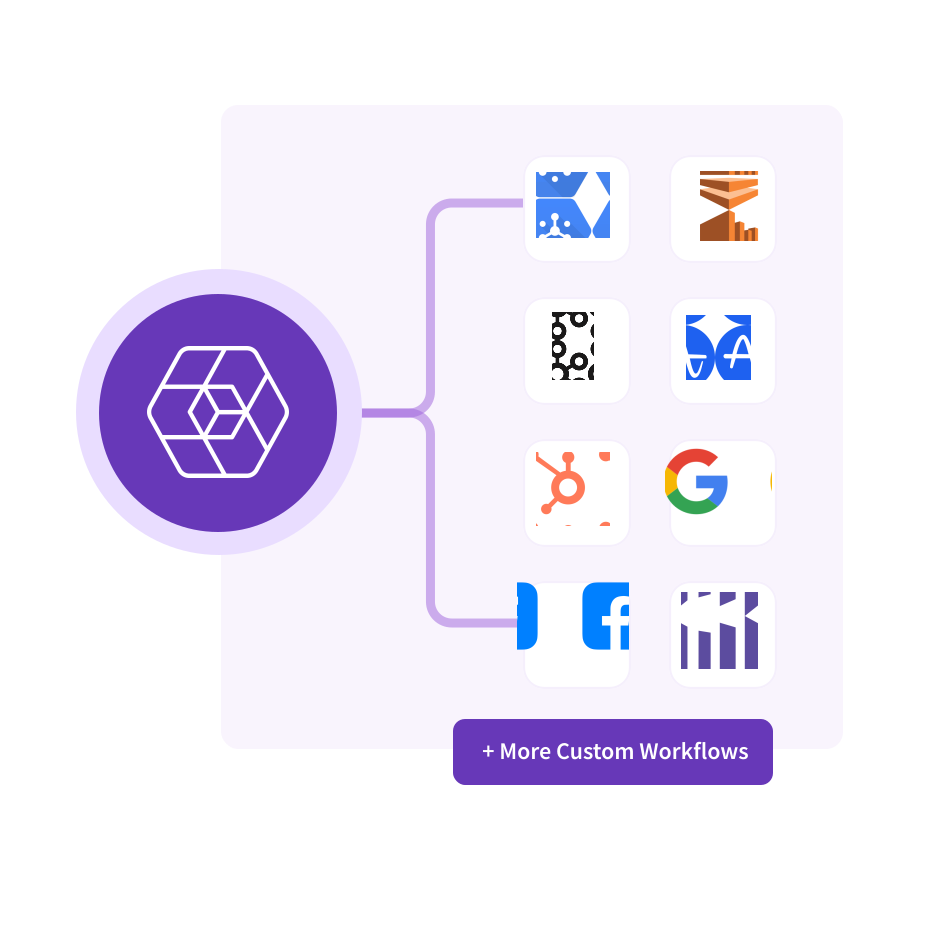
Integrate Snowplow’s governed behavioral data to the tools and systems your teams rely on, whether that’s out-of-the-box integrations with Braze, Amplitude, Mixpanel or custom connections via HTTP API destinations. These integrations are ready to use with minimal setup, bringing immediate value to business teams.

tick

Stream to native destinations such as Braze and Amplitude in real time

tick

Deliver enriched, ready-to-use JSON events for downstream processing

tick

Reduce engineering effort to build and maintain custom integrations
Event Forwarding

Flexible Transformations in Console

Give teams the flexibility to shape and filter data using custom JavaScript expressions directly within the Console. Define precise logic for which events to forward, how to map fields to destination schemas, and apply real-time transformations without additional tooling.

tick

Simplified setup within the Snowplow Console UI

tick

Full transparency and control over schema and payload

tick

Test transformations to ensure downstream compatibility
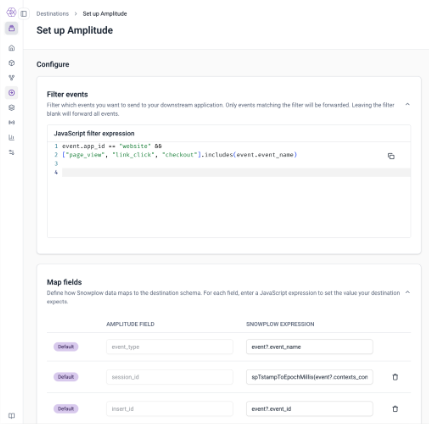
Screenshot of a web interface showing setup instructions for Amplitude integration, including JavaScript filter expression code and mapping of Snowplow data fields to Amplitude fields.

Frequently Asked Questions

Apache Kafka vs AWS Kinesis: which is better for real-time event streaming?

Blue chevron down arrow icon.

Both Kafka and Kinesis support real-time event streaming, but they serve different needs:

  • Apache Kafka:
    • Open-source and highly configurable.
    • Offers fine-grained control over replication, retention, and partitioning.
    • Preferred in high-throughput, complex data infrastructure environments.

  • AWS Kinesis:
    • Fully managed and tightly integrated with the AWS ecosystem.
    • Easier to set up and operate.
    • Ideal for teams already invested in AWS and seeking quick deployment with minimal overhead.

Snowplow works seamlessly with both, depending on infrastructure preference and operational needs.

Can Azure Event Grid be used with Snowplow’s webhooks or event forwarding?

Blue chevron down arrow icon.

Yes, Azure Event Grid can effectively integrate with Snowplow's event forwarding capabilities to create sophisticated event-driven architectures.

Event Grid integration:

  • Set up Snowplow to forward events via webhooks to Azure Event Grid endpoints
  • Configure Event Grid to distribute events to various Azure services including Azure Functions, Logic Apps, or third-party services
  • Use Event Grid's filtering capabilities to route specific Snowplow events to appropriate handlers

Scalability and reliability:

  • Event Grid is designed for high-volume event routing, making it ideal for processing and routing Snowplow events at scale
  • Benefit from Event Grid's built-in retry logic and dead-letter queues for reliable event delivery
  • Leverage Event Grid's global distribution for low-latency event processing across regions

How to implement a pub/sub architecture with Kafka for product analytics?

Blue chevron down arrow icon.

Building a pub/sub architecture with Kafka for product analytics enables scalable, real-time insights into user behavior and product performance.

Topic design and organization:

  • Create dedicated Kafka topics for different event types such as page views, clicks, purchases, and feature usage
  • Organize topics by product area, user journey stage, or analytical use case
  • Implement proper partitioning strategies to enable parallel processing

Producer setup:

  • Set up event producers using Snowplow trackers and application servers to send data to appropriate Kafka topics
  • Publish event data in real-time as user interactions occur
  • Implement proper serialization and schema validation for consistent data quality

Consumer and processing:

  • Create specialized consumers for different analytics use cases including cohort analysis, conversion tracking, and behavioral segmentation
  • Use Kafka Streams or Apache Flink to process data in real-time for immediate insights
  • Implement stream processing for aggregating metrics, computing event counts, and performing complex analytics

Visualization and activation:

  • Integrate with tools like Power BI, Tableau, or custom dashboards to visualize product analytics metrics
  • Display key metrics including active users, product views, conversions, and engagement patterns
  • Enable real-time alerts and automated actions based on product analytics insights

How to route failed Snowplow events to Azure Blob Storage for reprocessing?

Blue chevron down arrow icon.

Implementing robust error handling for failed Snowplow events ensures no data loss and enables systematic reprocessing.

Dead-letter queue setup:

  • Use Snowplow's dead-letter queue mechanism to capture failed events during pipeline processing
  • Configure automatic routing of malformed or failed events to designated error handling systems
  • Implement event classification to categorize different types of failures

Azure Blob Storage integration:

  • Configure Snowplow to send failed events to Azure Blob Storage containers
  • Set up the collector or enrichment process to route failed events into designated blob containers
  • Organize failed events by failure type, timestamp, or processing stage for efficient reprocessing

Automated reprocessing workflows:

  • Set up Azure Logic Apps or Azure Functions to monitor blob storage for failed events
  • Implement automated reprocessing workflows that attempt to fix common issues and retry processing
  • Create manual review processes for events that require human intervention or schema updates

How to use Kafka as a destination for Snowplow event forwarding?

Blue chevron down arrow icon.

To use Kafka as a destination for Snowplow event forwarding, follow these steps:- Configure Snowplow to forward events to Kafka topics via the Kafka producer API.- Set up Kafka topics to receive the event data from Snowplow.- Ensure that data is consumed by downstream applications or storage systems that will process the events.

Get Started

Whether you’re modernizing your customer data infrastructure or building AI-powered applications, Snowplow helps eliminate engineering complexity so you can focus on delivering smarter customer experiences.